

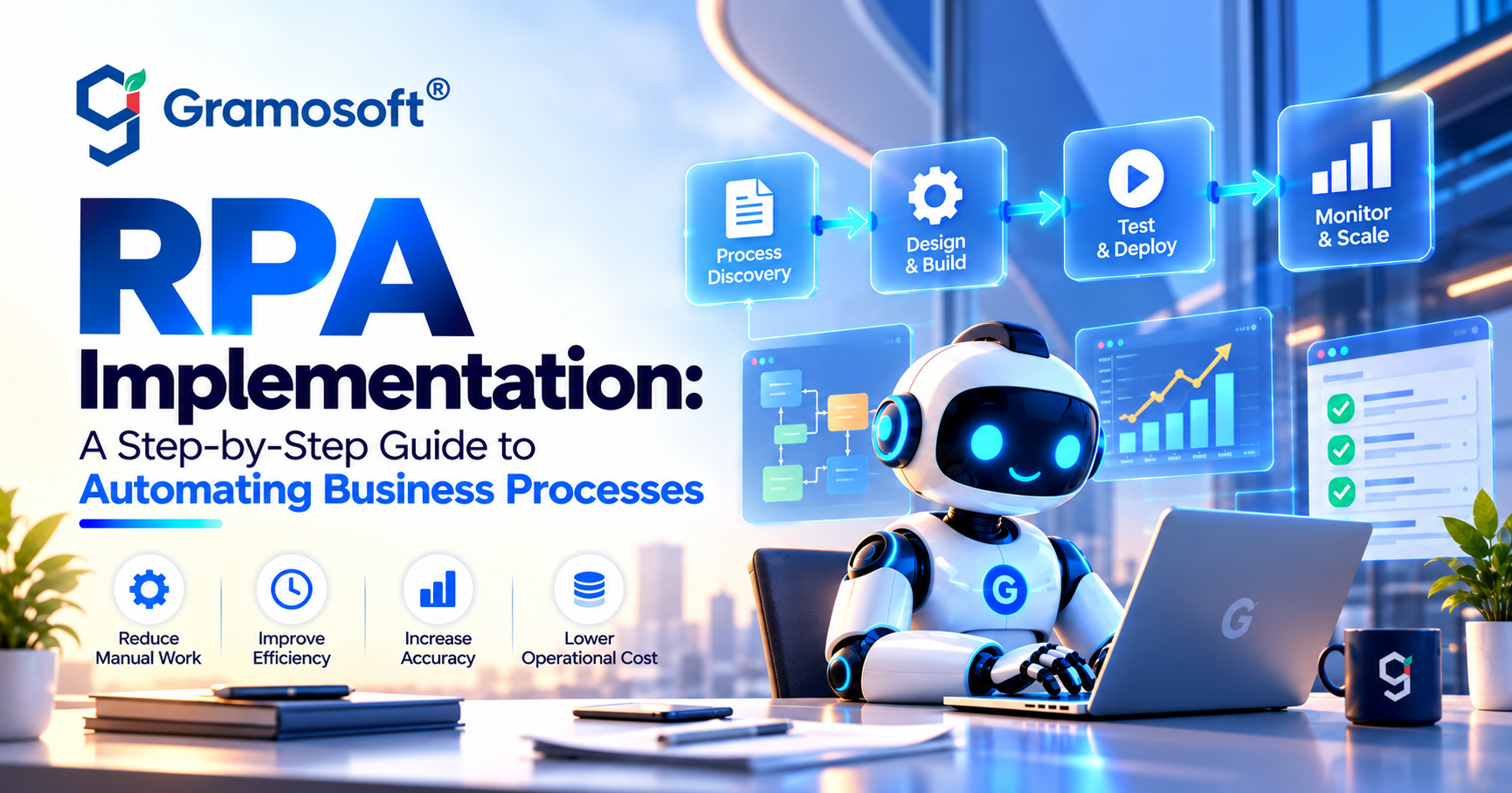
Software robots can remove tedious work from business operations, but a reliable automation program requires more than recording mouse movements. It needs clear process rules, controlled access, recoverable transactions, and evidence that the new workflow improves outcomes.
At Gramosoft, robotic process automation services are relevant to businesses exploring which activities to automate, how to structure an initial pilot, and what controls to establish before production. This guide explains the technical decisions behind implementing RPA, with an invoice-processing example, architecture visuals, Python code, and an approach to evaluating ROI.
At a glance: RPA implementation turns a repeatable business task into a monitored software-driven workflow. Begin with a measurable process, decide whether UI automation or an API is appropriate, design for exceptions, test with representative records, deploy gradually, and evaluate results against the original baseline.
- Best fit: Frequent, rules-based activities involving stable systems and predictable inputs.
- Architecture essentials: Triggers, queue, orchestration, workers, target applications, human review, and audit events.
- Reliability essentials: Idempotent handling, controlled retries, permission boundaries, and reconciliation.
- Business proof: Compare completion time, accuracy, manual intervention, operating costs, and realized value.
Understanding RPA as an operational system
Robotic process automation (RPA) uses software to carry out specified actions in digital applications. Depending on the environment, a bot might read a document, copy approved values between systems, prepare a report, or update an application that has no suitable integration API.
The distinction between a demonstration and a production workflow is important. A demo proves that a sequence of clicks is possible. A production implementation must also answer: What happens when the application times out? Who reviews a record with missing data? How is a duplicate transaction prevented? How can an operator tell whether a job completed?
Which processes are good candidates?
Start with tasks that are repeated at meaningful volume, governed by explicit rules, and supported by reasonably stable inputs and applications. Examples include invoice data entry, routine report preparation, account reconciliation, and updates across older business systems. A process that changes frequently or requires nuanced judgment is generally a poor first pilot.
Choose the integration mechanism, not just the tool
| Method | Most useful when | What to engineer carefully |
|---|---|---|
| UI-based RPA | A required operation is available only through an application interface | Selectors, sessions, interface changes, and recovery |
| API integration | A supported programmatic interface performs the action | Authentication, contracts, rate limits, and version changes |
| Workflow automation | Several systems or approval stages need coordination | State, ownership, escalation, and compensation |
| AI-assisted extraction | Incoming content is variable or unstructured | Confidence thresholds, verification, and human approval |
These approaches are complementary. For example, a model may extract candidate fields from an invoice, a rules engine can validate them, and a bot can submit an approved record into a legacy ERP. Gramosoft's AI development services may be relevant when document understanding is part of a broader automation design.
What successful automation changes
A useful RPA project reduces repetitive handling without sacrificing control. Depending on the task, that may mean shorter processing queues, more consistent data entry, clearer audit histories, or more time for staff to handle exceptions and customers. The result should be assessed against actual transaction volumes and ongoing maintenance, not an assumed percentage of labor savings.
Reference architecture: from request to recorded outcome
An RPA deployment should separate when work arrives from how work is executed. A trigger or schedule creates an item; an orchestrator places and assigns work; a worker executes the approved steps; a human-review path catches cases that cannot safely proceed; and centralized logs record status.
The following diagrams illustrate how to select an integration approach, structure the automation components, and plan the implementation. They are reference designs, not a description of a specific deployed client system.
Decision aid, not a substitute for security review, process discovery or platform-specific integration testing. Every branch needs ownership, monitoring and auditability.
Reading the architecture: The queue holds work that can be tracked independently of the worker. Credentials belong in managed secret storage, not the bot script. Failed business validations go to a review queue; temporary system failures may be retried under a bounded policy. Monitoring records every significant transition without exposing unnecessary sensitive information.
A practical nine-step delivery sequence
The project can be organized into six broad phases—discovery, design, build, test, release, and continuous improvement—while the following nine actions make the work concrete.
| Phase | Deliverable |
|---|---|
| Discovery | Process inventory, responsible owner, baseline metrics |
| Design | Future-state workflow, system interfaces, exception routes |
| Build | Bot logic, validation modules, operational controls |
| Test | Evidence for normal, invalid, and interrupted transactions |
| Release | Limited production rollout, rollback and support procedures |
| Improve | Performance metrics, maintenance plan, expansion decisions |
Step 1: Specify the business result
Document what the team is trying to improve. Record the current number of transactions, processing time, correction effort, failure frequency, and service expectations. Identify the person who owns the process and can confirm whether automated output is acceptable.
Deliverable: A baseline and measurable acceptance criteria.
Step 2: Prioritize automation opportunities
Observe the actual workflow, including informal workarounds. Compare candidate tasks by frequency, input quality, rule stability, exception rate, and application reliability. Favor a contained use case whose result can be verified rather than a sprawling process with many unknowns. Teams planning this stage can review Gramosoft's RPA service offering when defining pilot scope.
Step 3: Draw the current and future workflows
Record each trigger, decision, field, approval, and handoff. Then design the intended flow, specifying what remains under human control. Assign a durable identifier to each case, decide how a failed transaction is resumed, and eliminate unnecessary steps instead of reproducing them mechanically.
Deliverable: Approved process map and exception-handling matrix.
Step 4: Assess platforms and integration options
Evaluate products against your actual applications and operating environment. Important considerations include attended versus unattended execution, orchestration, selector robustness, identity controls, deployment options, logs, support, and total licensing costs. For Microsoft-based environments, Power Automate consulting may be one option to assess. Prefer a stable supported API when it can accomplish the task without screen automation.
Step 5: Put governance and security in place
Use least-privilege service identities, manage credentials centrally, and avoid storing passwords or personal data in logs. Decide who authorizes workflow changes, who responds to incidents, and who can retry or cancel a transaction. Document data-retention and approval requirements before go-live.
Step 6: Build a narrowly scoped pilot
Test the highest-risk assumptions early: authentication, selectors, target-system behavior, and unusual records. Implement a small end-to-end path with representative inputs. Keep validation and logging as reusable components rather than embedding every rule into UI interactions.
Step 7: Validate normal and failure paths
Exercise missing data, duplicates, invalid amounts, permission failures, slow responses, changed screens, and partial submissions. Compare bot output against an agreed reference. Include a rollback procedure and explicit production acceptance thresholds.
Step 8: Release with an operator in the loop
Start with limited work volume, monitor the first executions, and retain a documented manual fallback. Provide an operations runbook that explains how to inspect failed work and escalate unclear cases. Some deployments may require supporting interfaces or integrations, where web application development can complement the automation layer.
Step 9: Measure stability and improve deliberately
Review throughput, completion rates, exception categories, manual interventions, support effort, and actual business value. Regression-test after application changes. Expand only when the first workflow is stable enough to support predictable operation.
Worked example: routing supplier invoices
Imagine a finance team receiving supplier invoices through a shared mailbox. An automated pipeline can collect the permitted files, obtain candidate invoice fields, check vendor and purchase-order data, and send valid items for the next approved system action. Incomplete or conflicting records should go to a human reviewer rather than being silently accepted.
A key distinction: extracting a value is not the same as approving a transaction. OCR or AI may identify a total, but the business rules still need to confirm that it is valid and authorized.
Python example: validate invoice records before submission
The example below reads a CSV, checks mandatory fields, flags invalid amounts, and identifies repeated invoice identifiers within the file. It deliberately stops at classification; it does not log in to an ERP, approve payments, or implement a complete RPA platform.
import csv
from decimal import Decimal, InvalidOperation
from pathlib import Path

REQUIRED = {"invoice_id", "vendor", "amount"}

def process_invoices(input_file: str):
    seen = set()
    results = []

    with Path(input_file).open(newline="", encoding="utf-8") as file:
        reader = csv.DictReader(file)
        if not REQUIRED.issubset(reader.fieldnames or []):
            raise ValueError("CSV must contain invoice_id, vendor, amount")

        for row in reader:
            invoice_id = (row["invoice_id"] or "").strip()
            vendor = (row["vendor"] or "").strip()
            try:
                amount = Decimal((row["amount"] or "").strip())
            except InvalidOperation:
                amount = None

            if not invoice_id or not vendor or amount is None or amount <= 0:
                status = "REVIEW_INVALID"
            elif invoice_id in seen:
                status = "REVIEW_DUPLICATE"
            else:
                status = "READY_FOR_APPROVAL"
                seen.add(invoice_id)

            results.append({"invoice_id": invoice_id, "status": status})

    return results

if __name__ == "__main__":
    for result in process_invoices("invoices.csv"):
        print(f"{result['invoice_id']}: {result['status']}")
To try the example, supply invoices.csv with invoice_id, vendor, and amount columns. A real deployment also needs persistent duplicate checks, reconciliation with the destination, secure identities, and a documented approval policy. The in-memory seen set only catches duplicates in a single execution.
Idempotency, retries, and uncertain outcomes
Suppose a worker submits a record successfully, but the connection drops before it receives confirmation. If the entire job runs again without checking state, the target system might receive a duplicate. Assign a stable unique key, record transaction state durably, and verify the destination before replaying uncertain work.
Use unique work-item IDs to reduce duplicate processing. Retry only transient technical failures with limits; route business-rule exceptions for human decisions. Audit records must avoid exposing secrets or unnecessary personal data.
This orchestration sketch communicates the intended control flow; it is pseudocode, not an executable integration:
# Illustrative orchestration pseudocode — adapt to your queue and database
item = queue.claim_next()
if ledger.is_completed(item.unique_key):
    queue.ack(item)                 # Avoid duplicate submission
else:
    try:
        validated = validate(item.payload)
        target.submit_once(item.unique_key, validated)
        ledger.mark_completed(item.unique_key)
        queue.ack(item)
    except BusinessRuleError as error:
        review_queue.send(item, reason=str(error))
    except TransientIntegrationError:
        queue.retry_with_limit(item, max_attempts=3)
A production implementation must define atomic updates, dead-letter handling, backoff, safe credential retrieval, and a reconciliation procedure for ambiguous submission results. Retry transient failures with limits; send business-rule conflicts to an authorized reviewer.
Calculating ROI without confusing time saved with cash saved
Start with transaction counts and observed handling time. Then subtract the real cost of building and operating the automation, including licensing, hosting, monitoring, incident response, and maintenance. Time released for other work may be valuable, but it is not automatically a reduction in payroll expenditure.
Annual capacity hours released = annual transactions × minutes saved per transaction ÷ 60.
Indicative capacity value = hours released × assumed loaded hourly cost.
First-year ROI = (verified first-year benefits − total first-year costs) ÷ total first-year costs × 100%.
Illustrative calculation: Processing 30,000 records with four minutes saved per record releases approximately 2,000 hours annually. At an illustrative $20 hourly cost, that corresponds to $40,000 in potential capacity value. It is not evidence of $40,000 in cash savings. Actual benefit depends on how the organization uses that capacity and on the automation's operating expenses.
Pilot measurement scorecard
| Indicator | What it reveals |
|---|---|
| End-to-end cycle time | Duration from work arrival to confirmed completion |
| Straight-through processing | Proportion finished without manual review |
| Exception frequency | Share requiring intervention or correction |
| Output accuracy | Agreement with a validated reference result |
| Run cost | Licenses, compute, maintenance, support, and rework |
| Realized benefit | Documented operational or financial improvement |
Common failure patterns and practical safeguards
- Fragile screens: Use supported interfaces where possible, robust selectors, and regression testing.
- Unanticipated inputs: Create a defined review route and keep decision rules documented.
- Duplicate posting: Use durable identifiers and destination reconciliation before retrying.
- Overpowered bot accounts: Apply least privilege and managed secrets.
- Missing operational ownership: Name responsible process and technical owners.
- Unrealistic ROI: Distinguish potential capacity from realized financial value.
- Scaling too soon: Stabilize one end-to-end process before multiplying bot workloads.
Where Gramosoft can help
Gramosoft's robotic process automation services provide a relevant starting point for organizations considering process selection, implementation planning, and automation controls. The right approach depends on the applications, rules, risk profile, and measurable objectives of the specific business workflow.
Further technical reading and verification
Check the latest official product documentation for authentication, orchestration, unattended execution, UI automation capabilities, audit logging, and licensing. Useful starting points include Microsoft Learn, UiPath documentation, Automation Anywhere documentation, and SS&C Blue Prism.
Editorial note: The workflows, diagrams, and financial numbers in this article are illustrative. They are not published client benchmarks or guarantees of a particular platform's performance.
Frequently asked questions
What makes a good first RPA project?
A bounded, repetitive process with explicit rules, stable applications, adequate volume, and an owner who can validate the results. Avoid starting with a workflow whose exceptions are poorly understood.
Is machine learning necessary for RPA?
No. Traditional RPA can follow deterministic instructions without AI. Add machine learning or document understanding only when the task requires it, with validation and appropriate human oversight.
Can RPA operate in legacy applications?
Often, yes, by using the existing interface. Success depends on permissions, session stability, application behavior, and whether the interface can be automated reliably.
How long should an RPA rollout take?
There is no dependable universal timeline. Scope, access approvals, application complexity, test coverage, and exception frequency determine the schedule.
How do attended and unattended bots differ?
Attended automation supports a person during a workflow. Unattended automation executes through configured schedules or triggers. Exact capabilities and licensing vary across platforms.
What should be included in an RPA cost estimate?
Consider licenses, implementation effort, hosting, integration work, governance, training, monitoring, and ongoing maintenance—not just the price of a bot license.
Which KPIs show whether an RPA pilot succeeded?
Compare cycle time, output accuracy, completion rates, manual interventions, support cost, and realized business outcomes against a consistent pre-automation baseline.
When should an API replace UI automation?
When an approved API can reliably perform the required operation, it is generally easier to maintain than a bot interacting with screens. UI automation remains useful when no practical supported interface exists.
Key takeaways
- Treat RPA as an operated business workflow, not merely a sequence of clicks.
- Select repeatable processes with measurable outcomes and clearly defined rules.
- Prefer supported integrations when available and reserve UI bots for the right constraints.
- Design human review, idempotency, retries, security, and auditability before release.
- Verify both operational performance and the financial assumptions behind ROI.
- Expand automation only after the pilot proves stable under real-world conditions.
Final thoughts
Reliable RPA combines process analysis, application integration, software design, governance, and continuous measurement. A working prototype is the first milestone; the lasting benefit comes from an automation that handles real exceptions, protects data, and produces consistent business outcomes over time.
For teams planning a pilot, contact Gramosoft to discuss the workflow, application constraints, and success criteria.
About the author
- Gramosoft helps businesses turn ideas into practical digital solutions through custom software, websites, web applications, and mobile apps. Its services include AI development, AI agents, Robotic Process Automation (RPA), cloud services, cybersecurity, web scraping, UI/UX design, and software testing. Gramosoft also develops products such as GcrawlAI for web crawling and data extraction, GsearchAI for AI-powered search, GdoczAI for document processing, GramoCare for healthcare management, and GramoERP for business management. The company focuses on simplifying workflows, automating repetitive tasks, improving efficiency, and building technology solutions that meet real business needs.
Comments
Join the discussionNo comments yet. Be the first to comment.